Table price labels
Last updated October 2026
Print price stickers for a trade show or table from My Binder. Each sticker shows list price and condition, like $12.23 NM. Four prices print on each 2 by 1 inch label. Cut the label into four after printing.
Which folder
Open Personal collection or a custom folder. Click Print labels. For Sale and Recently purchased do not have this button. Move cards out of Recently purchased first. Move copies out of For Sale if they should leave the shop.
A full move out of For Sale removes those copies from the Binder shop. Opted-in eBay and ManaPool listings end when no For Sale quantity remains for that listing.
Price before you print
Every card in the folder needs a list price. Print will not skip unpriced rows. The pricing queue only includes For Sale singles. Price there first, then move the copies into the folder you will print.
- Open the folder and click Print labels.
- Choose Sort by: price high to low (default) or name A to Z.
- Optional: type a sales tax percent such as 8.125. Tax is for this print only. It does not change the list price in My Binder. Example: $12.23 at 8.125% prints as $13.22 NM.
- If Advanced search is on, confirm anyway. Print uses every card in the folder, not the filtered list.
- Load the 2 by 1 inch thermal label roll, then follow the printer steps below.
Use a thermal printer. Load a 2 by 1 inch label roll. Do not choose 4 by 6 paper size. Turn off fit to page. Print at actual size.
Each 2 by 1 inch label prints four prices. Cut the label into four sections after printing.
Most 4 by 6 thermal printers also support 2 by 1 inch labels. Check your printer manual.
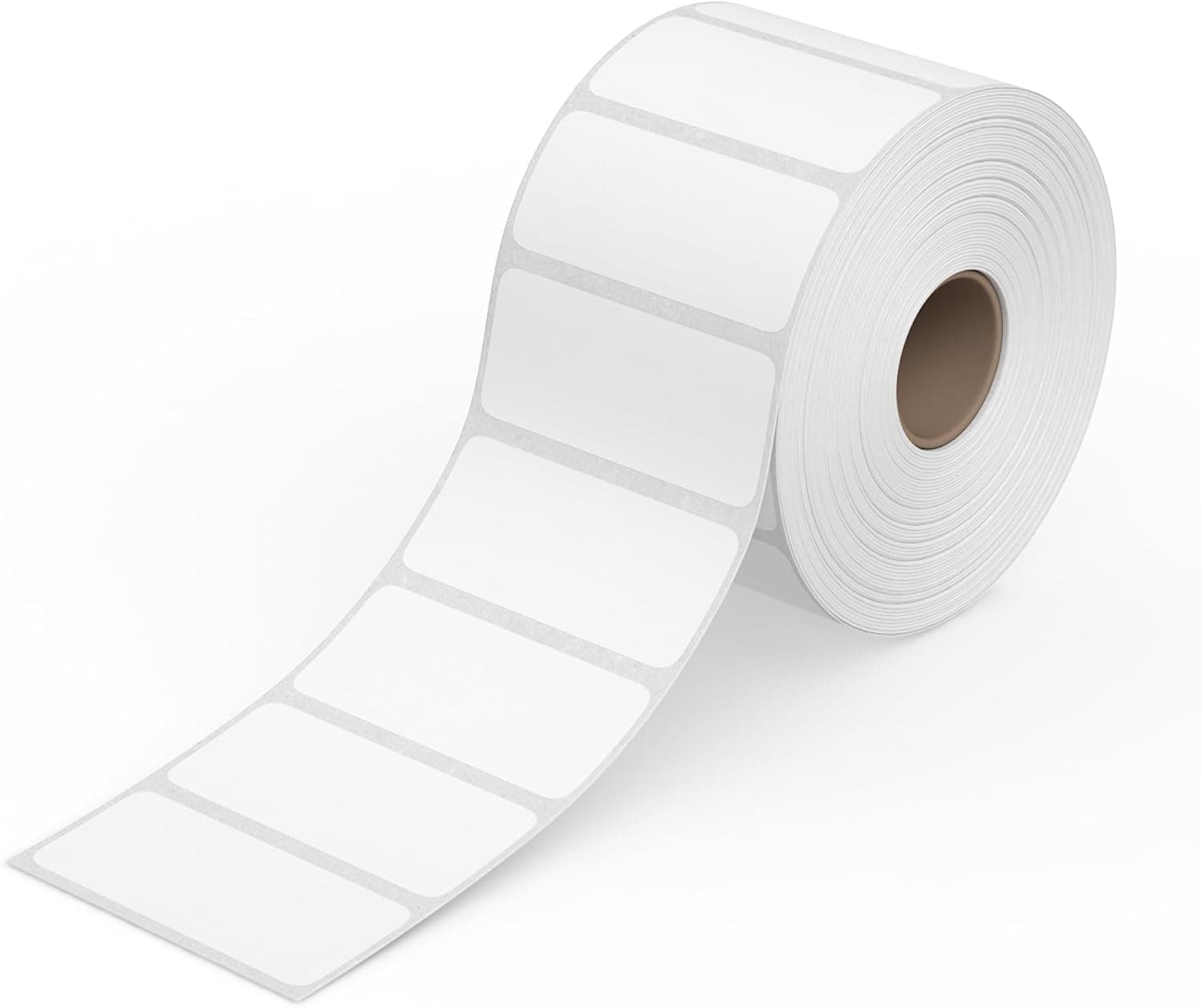
When the browser print dialog opens, set the paper size to 2 by 1 inches:
- Chrome: open More settings. Set Paper size to 2 x 1 in (or 2.00 x 1.00 in).
- Safari: click Show Details if the extra options are hidden. Set Paper Size to 2 x 1 in.
- Firefox: open More settings if you see that section. Set Paper size to 2 x 1 in.
Quantity on a row becomes that many stickers. The order follows the Sort by choice on the confirm.
After you print, stay on the page. Match stickers to cards lists each label and corner (top left, top right, bottom left, bottom right) with the card name. That list does not print on the stickers.
After the show, move cards back to For Sale to list them in the Binder shop again. eBay and ManaPool need List again if you want them on those sites.
Related
- Using My Binder
- Pricing queue
- Labels & tracking (USPS shipping labels, not table stickers)